


In today’s fast-paced world, learning doesn’t just happen in classrooms. The right educational tools can make learning faster, more efficient, and even fun. Whether you’re a student trying to ace exams, a teacher looking to engage your class, or a lifelong learner aiming to expand your knowledge, using the best educational tools is key.
In this guide, we’ll explore a variety of tools, their uses, and how they can transform your learning journey.
1. Learning Management Systems (LMS) – Organize Your Learning
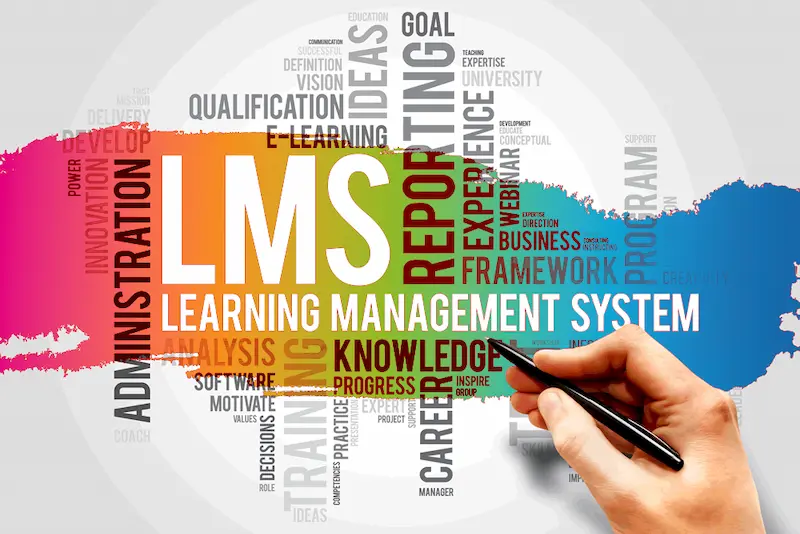
A Learning Management System, or LMS, is a digital platform designed to streamline learning for both students and teachers. It allows you to access courses, track assignments, submit homework, and communicate with instructors—all in one place.
Top LMS tools include:
- Google Classroom – Easy-to-use, integrates with Google Drive, ideal for schools and colleges. You can upload lessons, assign tasks, and get instant feedback.
- Canvas – Popular in higher education, offers advanced grading tools, analytics, and collaboration features.
- Moodle – Open-source and highly customizable. Perfect for schools or organizations wanting a tailor-made learning platform.
Why use an LMS?
An LMS keeps your learning organized and reduces the stress of tracking assignments manually. You can monitor your progress, stay on schedule, and even access resources from anywhere.
2. Interactive Learning Apps – Make Learning Fun
Learning doesn’t have to be boring. Interactive learning apps turn education into a game-like experience, which increases engagement and retention.
Examples of popular learning apps:
- Khan Academy – Free lessons in math, science, history, and economics. Includes practice exercises and quizzes for reinforcement.
- Duolingo – Learn languages with bite-sized lessons and gamified progress tracking. Perfect for learning anytime, anywhere.
- Quizlet – Create digital flashcards and practice tests. Great for memorization and exam preparation.
Why these apps work:
Interactive elements like quizzes, rewards, and challenges make learning engaging. They are especially helpful for visual and hands-on learners.
3. Note-Taking and Organization Tools – Keep Everything in One Place
Taking notes effectively and organizing study materials can significantly improve learning outcomes. Digital note-taking tools make it easy to collect and review information.
Top tools for note-taking:
- Evernote – Capture notes, web clippings, and documents in one place. Organize by notebooks and tags for easy access.
- Notion – Combines note-taking, task management, and personal planning. Great for organizing courses and projects.
- Microsoft OneNote – Offers digital notebooks with sections and pages, ideal for students who prefer a traditional notebook feel.
Benefits:
Organized notes save time, reduce stress, and allow for quick review before exams. Many tools offer cloud storage, so your notes are accessible on any device.
4. Online Research and Reference Tools – Learn Accurately
Reliable information is crucial for effective learning. Using the right research tools ensures that your knowledge is accurate and well-supported.
Top research tools include:
- Google Scholar – Access academic articles, journals, and research papers. Excellent for assignments and thesis work.
- Wolfram Alpha – Solve complex math problems and get step-by-step explanations.
- JSTOR – Provides high-quality articles in history, literature, and social sciences.
Why they matter:
These tools allow you to go beyond textbooks and gain deeper, trustworthy knowledge. They are especially useful for higher education and research-based learning.
5. Collaboration Tools – Learn Together
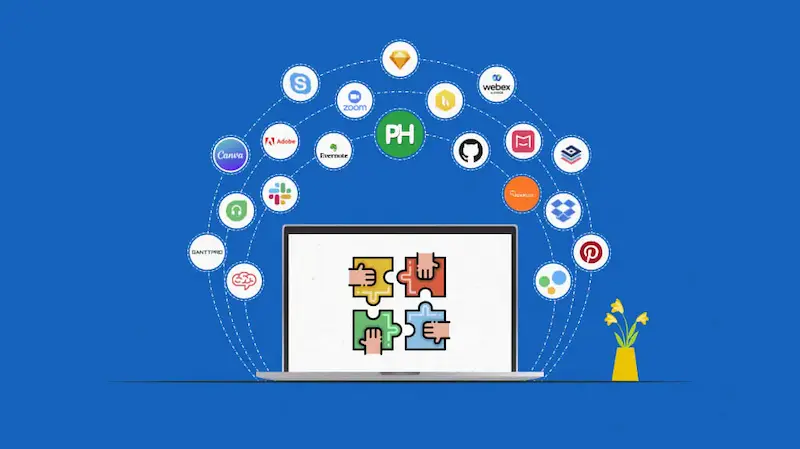
Learning is often more effective when done with others. Collaboration tools make it easy to work on group projects, share ideas, and communicate.
Effective collaboration tools:
- Zoom – Host virtual study sessions, webinars, and online classes.
- Slack – Organize group chats, share files, and manage study teams efficiently.
- Padlet – Digital bulletin boards for brainstorming, project planning, and sharing ideas.
Why they help:
Collaboration tools foster teamwork, improve communication skills, and allow learning to continue outside the classroom.
6. Educational YouTube Channels – Learn Visually
Sometimes, the best way to understand a topic is through videos. Educational YouTube channels provide explanations in an easy-to-digest format.
Recommended channels:
- CrashCourse – Fast-paced lessons in science, history, economics, and more.
- TED-Ed – Animated videos that simplify complex ideas and make them engaging.
- Veritasium – Science-focused videos that explain real-world phenomena in a simple way.
Why video learning works:
Visual and auditory learners benefit greatly from watching concepts in action. Videos can complement textbooks, offering a multi-dimensional learning experience.
You may also like to read this:
Effective Time Management Exam Tips For Students
Last-Minute Exam Tips: Smart Strategies To Ace Your Tests
Top Effective Exam Tips To Ace Your Exams With Confidence
Top Educational Tools For Students in 2026 For Smarter Study
Online Educational Tools: Learn Anytime, Anywhere
7. Mind Mapping Tools – Visualize Your Ideas
Mind maps help you organize ideas and see connections between concepts. They are especially useful for brainstorming, note-taking, and revision.
Top mind mapping tools:
- MindMeister – Create interactive, shareable mind maps.
- XMind – Offers structured templates for complex concepts.
- Coggle – Simple online mind mapping for quick idea organization.
Benefits:
Mind maps improve comprehension, memory retention, and problem-solving skills. They are excellent for visual learners who think in patterns and relationships.
8. Productivity and Focus Tools – Stay on Track
Even the best educational tools are ineffective without focus. Productivity apps help you manage your time, reduce distractions, and maximize learning.
Useful productivity tools:
- Trello – Plan tasks and deadlines with boards and lists.
- Forest – Stay focused by growing a virtual tree while you work.
- Pomodoro Timer Apps – Break study sessions into intervals to maintain concentration.
Why they’re important:
Time management is crucial for effective learning. Productivity tools help maintain a healthy study routine and prevent burnout.
Conclusion
The right best educational tools can transform your learning experience. From interactive apps and LMS platforms to collaboration and mind mapping tools, each has a unique way of helping you learn smarter. Start exploring these tools today and watch your understanding, productivity, and engagement grow.
Remember, learning is not just about hard work—it’s about using the right resources to make your journey easier and more enjoyable.
FAQs
Q1: Are the best educational tools free?
Many tools like Khan Academy, Google Classroom, and Duolingo are free. Some premium versions offer extra features.
Q2: Can these tools be used for online learning?
Yes, all of these tools are designed for both in-person and online learning environments.
Q3: Which tool is best for exam preparation?
Quizlet, Khan Academy, and Wolfram Alpha are highly effective for practice and revision.
Q4: Can these tools be used by teachers too?
Absolutely! Teachers can use LMS, collaboration tools, and note-taking apps to manage classes and engage students effectively.